
Staying organized can be difficult when work, personal responsibilities, appointments and daily goals compete for attention. A digital planner 2026 can make life easier by bringing your schedules, tasks, reminders and goals together in one convenient place. Instead of managing several notebooks and scattered notes, you can organize your routine using a smartphone, tablet or computer.
Digital planning has become a practical option for students, professionals, business owners and anyone who wants to manage time more effectively. Whether you prefer a simple daily checklist or a detailed monthly planning system, the right digital planner can help you stay focused and make better use of your time.
A well-designed digital planner 2026 can help you manage responsibilities without feeling overwhelmed.
In this guide, we explore nine practical ways to use a digital planner in 2026, along with useful apps, free options and tips for building a productive routine.
Explore more useful ideas in our Lifestyle section.
A digital planner 2026 can help students, professionals and busy individuals manage their daily responsibilities more efficiently.
1. What Is a Digital Planner 2026?
A digital planner is an electronic version of a traditional paper planner. It helps you organize daily activities, upcoming events, personal goals and important deadlines.
You can access a digital planner through different devices, including smartphones, tablets and desktop computers. Some planners offer calendar views, while others include task lists, habit trackers, notes and project management tools.
Popular digital planning options include:
- Google Calendar for scheduling and reminders.
- Notion for organizing projects, notes and personal systems.
- Todoist for managing tasks and deadlines.
- Microsoft To Do for everyday checklists.
- Goodnotes for handwritten digital planning on supported devices.
Each tool has different features, so the best choice depends on your personal needs.
You can organize your appointments and daily schedule using Google Calendar.
2. Plan Your Day with a Clear Schedule
One of the biggest benefits of a digital planner is the ability to organize your day before it becomes busy.
Start each morning by listing the tasks you need to complete. Give important activities a specific time instead of keeping everything on an endless to-do list.
For example, your daily schedule might look like this:
- 7:00 AM – Morning routine
- 9:00 AM – Work or study
- 11:00 AM – Complete priority tasks
- 1:00 PM – Lunch and break
- 3:00 PM – Meetings or project work
- 5:00 PM – Personal activities
- 9:00 PM – Review the day and plan tomorrow
You do not need to follow a strict schedule every minute. Leave some flexibility for unexpected responsibilities.
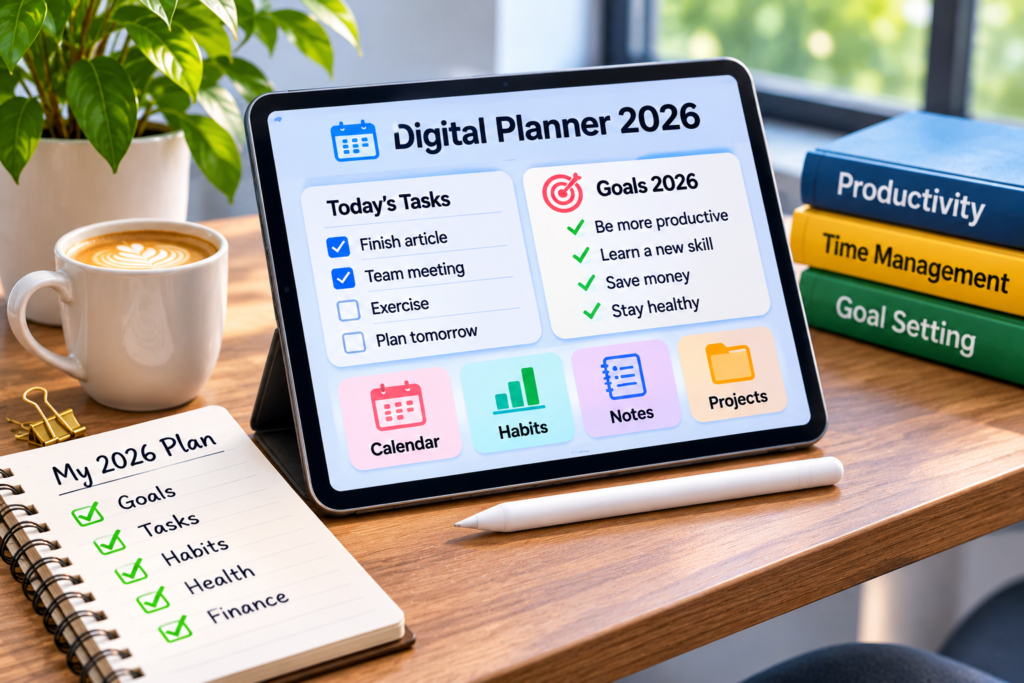
Using a digital planner 2026 makes it easier to balance work, personal activities and important deadlines.
3. Organize Weekly and Monthly Goals
Daily planning helps you manage immediate responsibilities, but weekly and monthly planning gives you a bigger picture.
Use your digital planner to divide larger goals into smaller tasks. For example, if you want to complete an online course within a month, divide the lessons into weekly targets.
A simple planning structure can include:
Weekly planning
- List important deadlines.
- Choose your top three priorities.
- Schedule work and personal commitments.
- Review unfinished tasks.
Monthly planning
- Set realistic goals.
- Add important appointments.
- Track progress.
- Identify areas that need improvement.
Reviewing your progress regularly makes it easier to adjust your plans when circumstances change.
A digital planner 2026 also helps you review your weekly progress and adjust your goals.
4. Use Digital To-Do Lists to Stay Focused
A long list of responsibilities can feel overwhelming. A digital planner makes it easier to organize tasks according to their importance.
Try dividing your tasks into three groups:
High priority: Tasks that have important deadlines or significant consequences.
Medium priority: Activities that should be completed soon but are not urgent.
Low priority: Tasks that can wait until your schedule allows.
Avoid adding too many priorities to a single day. Choose a manageable number of important tasks and focus on completing them properly.
Applications such as Todoist and Microsoft To Do can help you create lists, set due dates and organize everyday responsibilities.
5. Track Your Habits and Personal Progress
Productivity is not only about completing work. Small daily habits also contribute to long-term improvement.
A digital habit tracker can help you monitor routines such as:
- Reading for 20 minutes.
- Drinking enough water.
- Exercising regularly.
- Learning a new skill.
- Sleeping on a consistent schedule.
- Spending less time on social media.
Create a simple checklist and mark each habit when completed. Review your progress at the end of every week.
Remember that missing a day does not mean you have failed. The purpose of habit tracking is to understand your routine and gradually improve it.
Discover more tips and useful ideas in our Productivity section.
6. Choose the Right Digital Planner App
Not every planner works for everyone. Some people need a basic calendar, while others prefer advanced project management features.
Here are some useful options to consider:
| App | Best For |
|---|---|
| Google Calendar | Daily schedules and appointments |
| Notion | Notes, projects and custom planning |
| Todoist | Task lists and deadlines |
| Microsoft To Do | Simple everyday tasks |
| Goodnotes | Handwritten digital notes and planners |
Before choosing an application, consider its ease of use, device compatibility, pricing and privacy settings.
You can also explore the official websites to compare available plans and features.
Notion offers flexible tools for organizing notes, projects and personal planning.
Todoist helps users manage tasks, deadlines and everyday responsibilities.
Choosing the right digital planner 2026 depends on your preferred features and daily routine.
The best digital planner 2026 is one that matches your personal planning style and productivity needs.
7. Explore Free Digital Planner Options
You do not need to spend money to start digital planning. Several tools provide free versions that are sufficient for everyday organization.
For example:
- Google Calendar offers free scheduling features with a Google account.
- Microsoft To Do provides free task management.
- Todoist offers a free entry-level plan with basic task features.
- Notion provides a free plan for individual use, subject to its current terms.
Some creators also offer downloadable digital planner templates. These may work with note-taking applications, depending on the file format and device.
Before downloading a template, check whether it is compatible with your tablet or computer. Also review the seller’s terms if the template is paid.
8. Avoid Common Digital Planning Mistakes
Digital planners can improve organization, but using too many tools or creating complicated systems may have the opposite effect.
Watch out for these common mistakes:
Using too many applications: Switching between multiple planning tools can waste time. Choose one main planner and add another only when necessary.
Creating unrealistic schedules: Filling every hour leaves little room for unexpected tasks. Keep some open time in your day.
Ignoring reminders: Notifications are useful, but excessive alerts can become distracting. Set reminders only for important activities.
Planning without taking action: Spending hours designing a planner does not automatically improve productivity. Focus on completing your tasks.
Never reviewing progress: Check your planner regularly and remove outdated or unnecessary tasks.
A simple system that you actually use is more valuable than a complicated planner that you abandon after a few days.
9. Build a Sustainable Productivity Routine for 2026
The best digital planner is one that supports your lifestyle rather than controlling it.
Start with a simple daily schedule, a short task list and a few realistic goals. Once you become comfortable with the system, introduce weekly reviews, habit tracking and monthly planning.
You can follow this easy routine:
- Spend five minutes planning your day.
- Select three important tasks.
- Use reminders for appointments and deadlines.
- Track one or two habits.
- Review completed tasks before going to bed.
- Prepare your priorities for the following day.
Consistency matters more than perfection. Even a few minutes of organized planning can make your day feel more manageable.
Frequently Asked Questions
1. What is the best digital planner for 2026?
The best option depends on your needs. Google Calendar is useful for scheduling, Notion offers flexible organization, and Todoist is suitable for managing tasks.
2. Are digital planners free?
Yes. Several applications offer free plans, including Google Calendar and Microsoft To Do. Some advanced features and downloadable templates may require payment.
3. Can I use a digital planner on my phone?
Yes. Many digital planning applications work on smartphones, tablets and computers. Check the app’s device compatibility before installing it.
4. Is a digital planner better than a paper planner?
Both have advantages. Digital planners offer searchable notes, reminders and convenient access across supported devices. Paper planners provide a traditional writing experience without screen notifications.
5. How much time should I spend planning each day?
Start with five to ten minutes in the morning and a short review in the evening. You can adjust the time according to your schedule.
6. Can students benefit from digital planners?
Yes. Students can use them to organize classes, assignments, examination dates, study sessions and personal activities.
Final Thoughts
A digital planner 2026 can be a useful tool for anyone who wants to organize daily responsibilities and improve productivity. From managing appointments to tracking habits and setting monthly goals, digital planning offers several ways to create a more structured routine.
With a digital planner 2026, you can build a more organized routine and stay focused on your priorities.
You do not need expensive software or a complicated planning system to get started. Choose an application that suits your needs, begin with a few simple tasks and build your routine gradually.
The real value of a digital planner is not how attractive it looks, but how consistently it helps you turn your plans into meaningful action.
A digital planner 2026 can make daily planning easier by helping you organize tasks, manage priorities and track your progress throughout the year.
Learn more about our website and editorial mission on our About Us page.
Start using a digital planner 2026 to organize your schedule, stay consistent and make better use of your time.